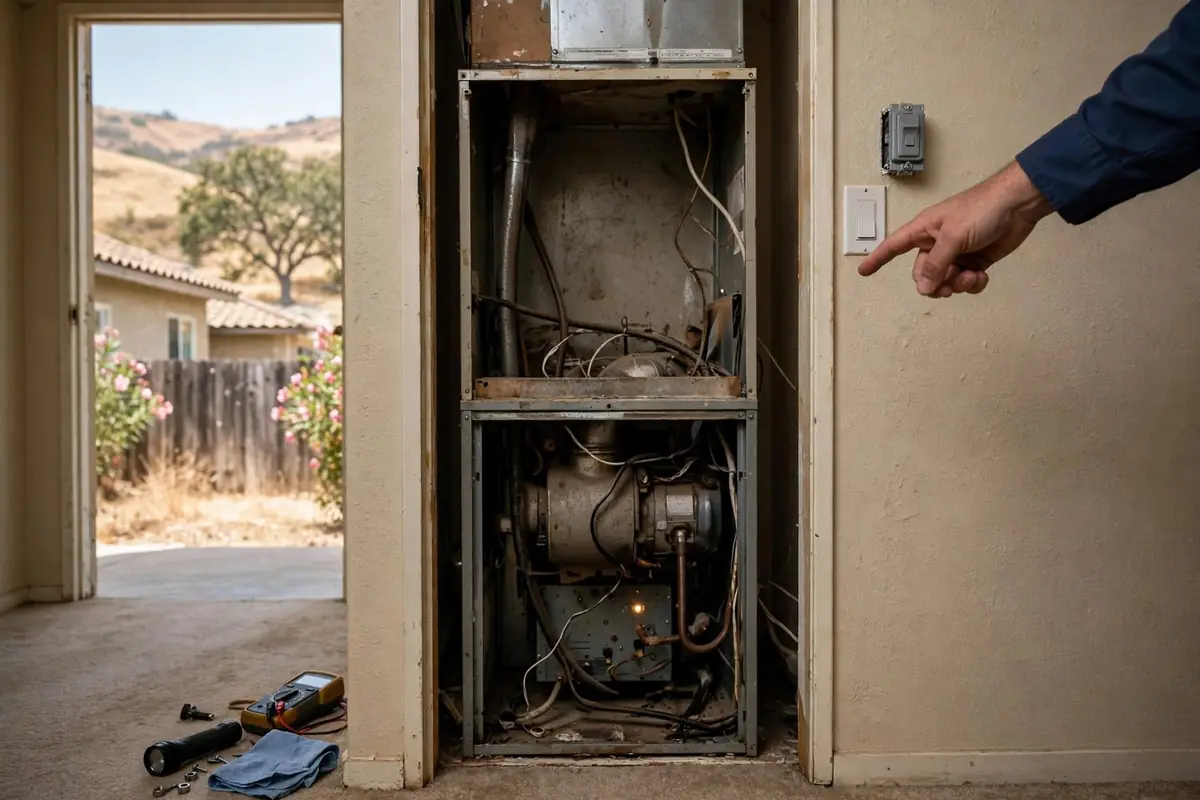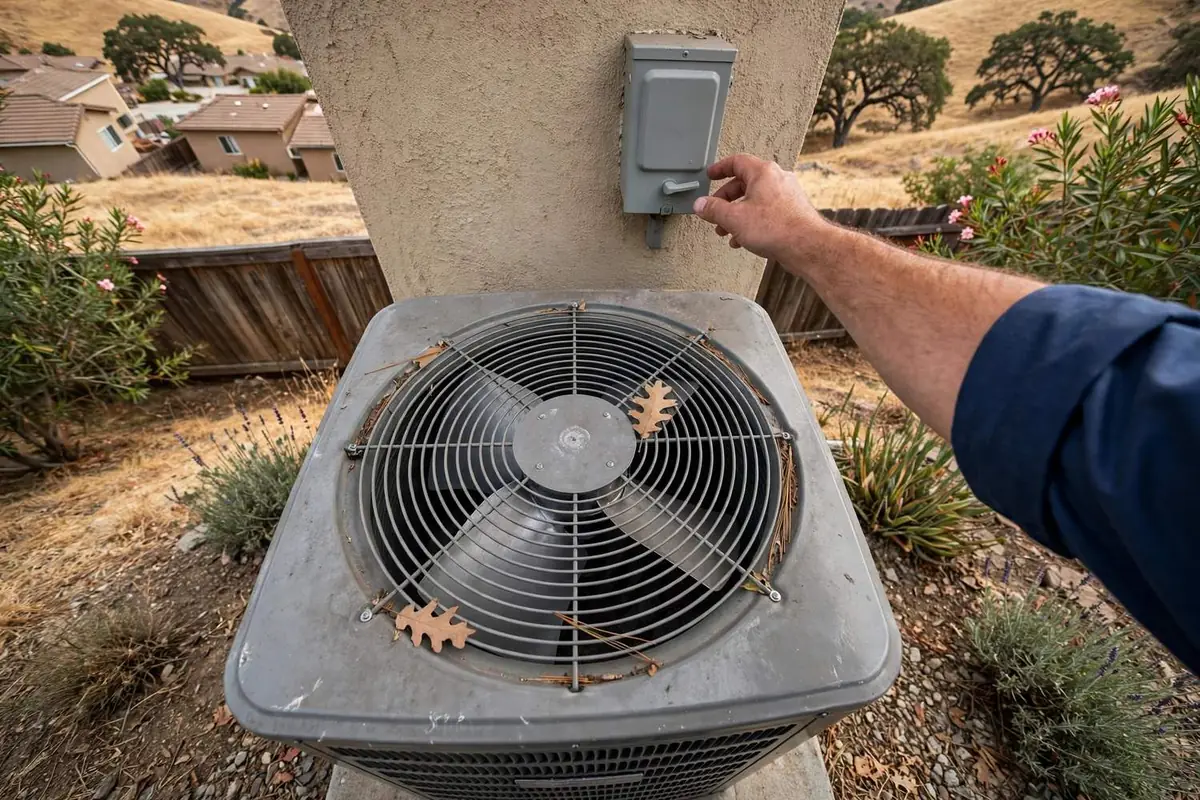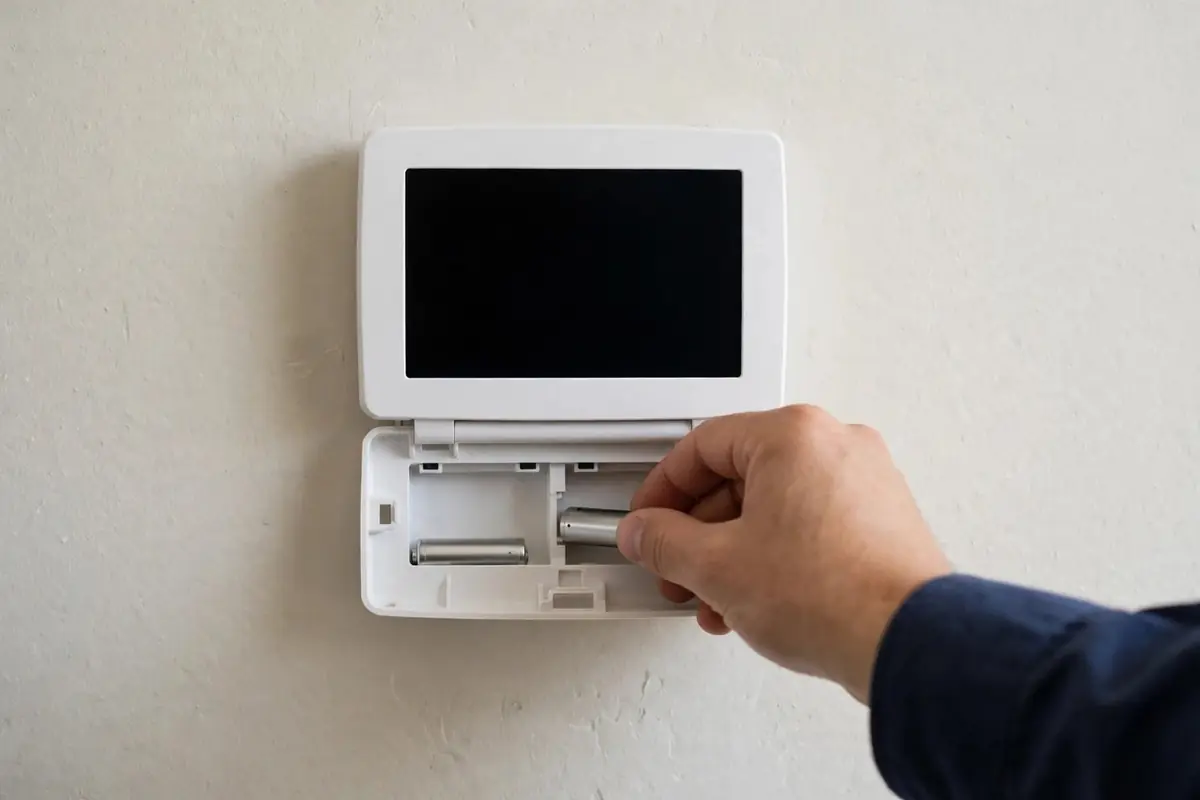
Short answer: A blank thermostat usually needs new batteries, or the furnace or air handler has lost power (tripped breaker, service switch off, door switch open, or a full condensate pan tripping a float switch). Many thermostats are powered by the HVAC system itself. If the screen stays blank after those checks, a blown control fuse or transformer is likely; call (707) 418-4772.
Checks in order
- Replace the batteries if your thermostat has them.
- Check the furnace or air handler breaker and service switch.
- Make sure the furnace door is fully seated.
- Look for water in the drain pan or a tripped float switch.
- After a power outage, wait 5 minutes, then reset the thermostat schedule.
Screen works but nothing happens
Check the mode (Heat or Cool), the setpoint (beyond room temperature), and any "delay" or "wait" message. Many thermostats delay restarts for several minutes to protect the compressor.
Smart thermostat issues
Wi-Fi thermostats can lose power if the system lacks a common (C) wire. If a newly installed smart thermostat keeps going blank, the wiring may be the cause.

Thermostat types you'll find in Solano County homes
| Type | Power source | Common issue |
|---|---|---|
| Older non-programmable | Often batteries or the system | Dead batteries, dirty contacts |
| Programmable digital | Batteries and/or system 24 V | Lost schedule after outages |
| Wi-Fi / smart | System 24 V, needs a common (C) wire | Goes blank if power-stealing fails |
| Heat pump thermostat | System 24 V | Wrong reversing-valve or aux-heat setup after a swap |
When the thermostat isn't the problem
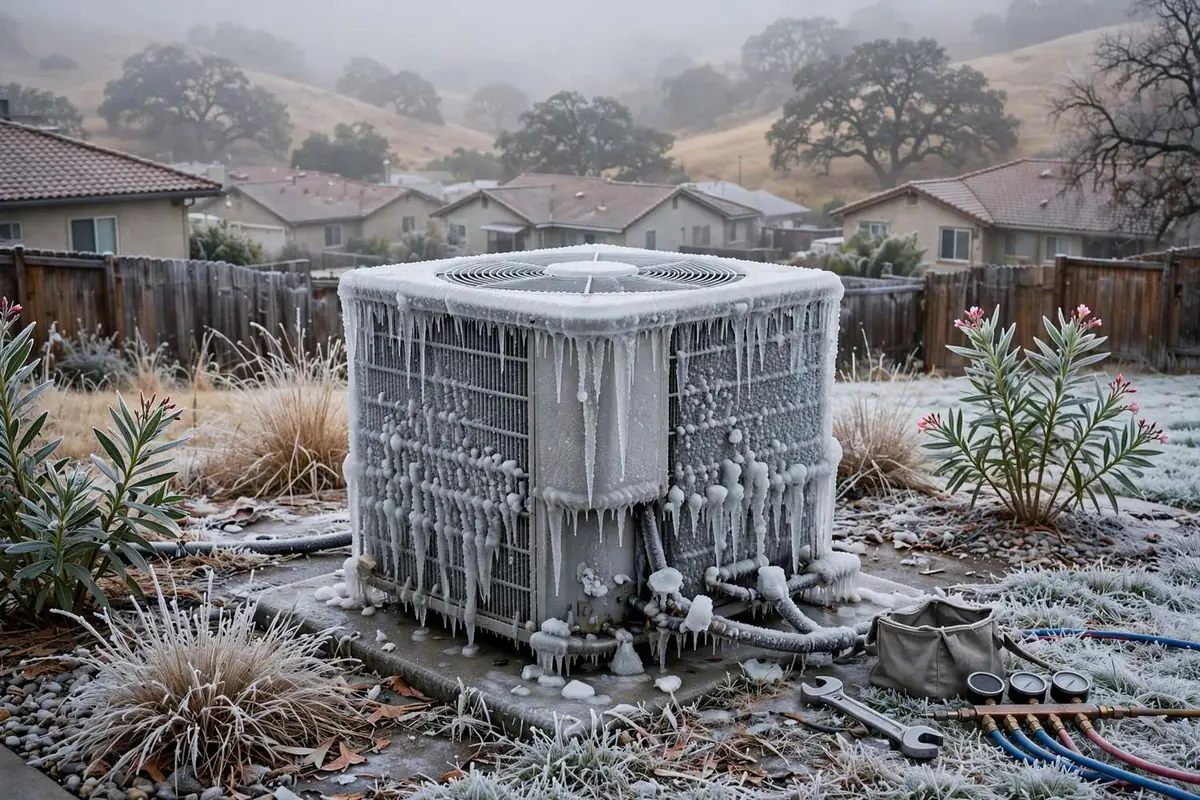
If the screen works and calls for heat or cooling but the system doesn't respond, the issue is usually at the furnace or condenser: a tripped safety switch, a blown control fuse, or a failed board or contactor. A technician can check whether the 24-volt signal reaches the equipment.